



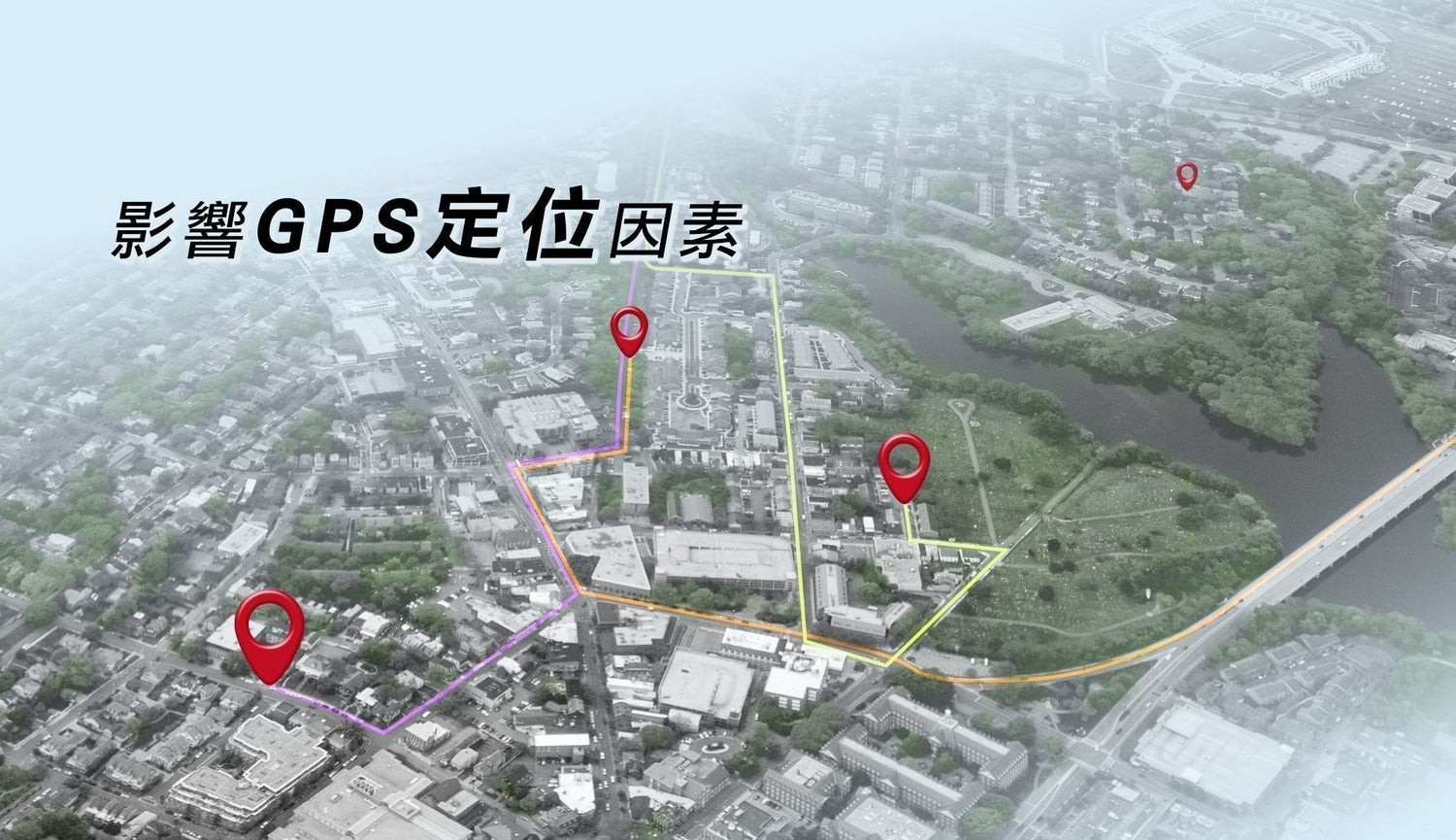
Introduction to the Core Functions of GPS
GPS (Global Positioning System) plays a crucial role in modern dashcams, primarily providing the following three functions:
1. Automatic Date and Time Calibration
GPS systems automatically synchronize and calibrate the dashcam's date and time. This means that when the dashcam receives a GPS signal, it automatically adjusts to the correct global standard time, ensuring that all recorded data (such as driving routes and speeds) is consistent with the actual time, avoiding inaccurate recordings due to manual time settings.
2. Recording Latitude, Longitude, and Speed
GPS systems accurately record the vehicle's latitude, longitude, and speed. You can configure the dashcam to record latitude, longitude, and speed, or only latitude and longitude without displaying speed. This function is extremely useful for analyzing driving routes, monitoring speed, and providing evidence to address speeding or other traffic disputes.
3. Playback of Driving Tracks via App
Through the MyCAM app, the GPS function can also view and play back the vehicle's driving tracks. These tracks display information such as the vehicle's driving path, latitude, longitude, and speed, allowing for immediate review and analysis of the driving journey. This feature is crucial for fleet management, driving analysis, and providing accident evidence.
GPS functionality significantly enhances the value of a dashcam. Whether it's automatically calibrating the time, recording detailed driving data, or playing back driving routes, it provides drivers with more comprehensive driving information and safety assurance. Understanding these features helps to fully utilize the dashcam's performance, improving driving safety and management efficiency.
How to determine if a dashcam's GPS positioning is complete?
Ensuring the dashcam's GPS function is working properly is crucial for accurately recording the vehicle's driving trajectory. Here are some key indicators to determine if GPS positioning is complete:
1. Ensure GPS is in an outdoor environment.
GPS signal reception relies on satellite signals, which typically cannot penetrate thick buildings or underground structures. Therefore, if your vehicle is parked indoors, such as in an indoor or underground parking lot, GPS usually cannot receive a signal. In this case, move the vehicle to an open outdoor environment to ensure proper GPS signal reception.
2. Confirm the installation location of the GPS receiver.
The installation location of the GPS receiver directly affects its signal reception quality. 1. Ensure the GPS receiver is facing upwards to receive the best satellite signal. If the receiver is facing downwards or tilted, it may obstruct signal reception, leading to inaccurate positioning or failure to complete the task.
2. Avoid Metal Obstructions
Metal materials can interfere with GPS signal transmission; therefore, there should be no metal obstructions above the GPS receiver. Ensure the receiver is installed in a location free of metal obstructions to maximize GPS signal reception and improve positioning accuracy.
Several key factors ensuring proper GPS positioning include: choosing a suitable environment, correct installation location, and avoiding metal interference. Following these principles can effectively improve GPS positioning accuracy and ensure your dashcam accurately records your driving data.
Other Recommended Articles:
What is a Supercapacitor? Unveiling the Secrets of a Dashcam's Core Components
How to Clean a Dashcam Lens? Master the Correct Cleaning Method for Clear, New Footage!
Does Car Window Tinting Affect Dashcams? Choosing the Right Material and Application Method Ensures Uncompromised Image Quality and GPS Performance!