



During driving, dashcams have become an essential tool for every car owner. They not only record driving conditions in detail but also provide crucial evidence in the event of an emergency. However, many people are not familiar with the "lock button" function on dashcams. This small button actually plays a very important role, especially when it's necessary to protect specific recorded footage.
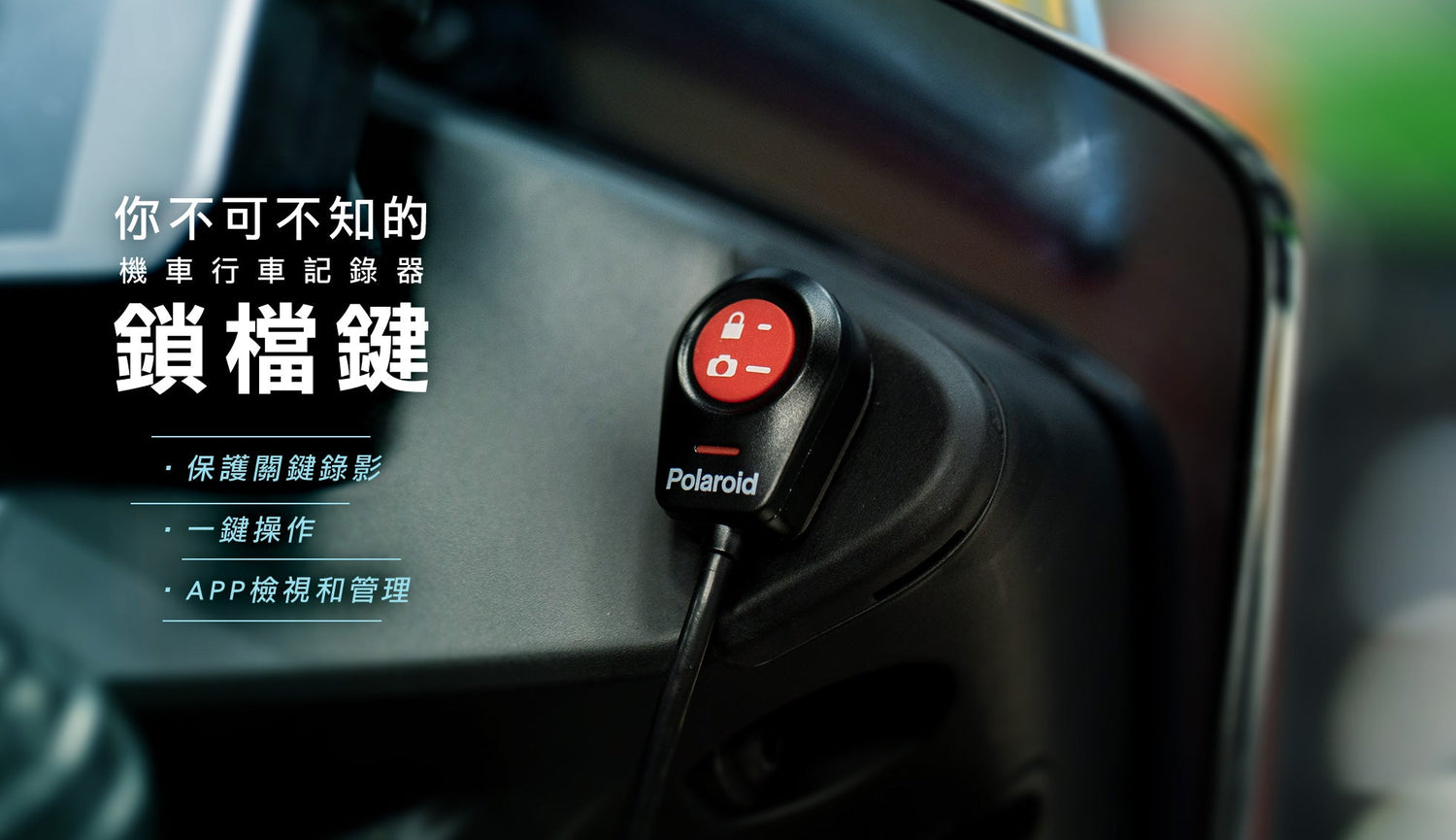
Protecting Critical Footage: Pressing the lock button will "lock" the current recorded file and automatically save it to the lock area, preventing it from being automatically overwritten by loop recording. This is crucial for preserving evidence of accidents or special events.
One-Button Operation: While recording, press the "Emergency Lock Button" on the remote control. A lock symbol ⚠ will appear at the top of the screen, and the LED light will flash rapidly until switching to the next file screen; the device will then protect the file.
Viewing and Management: Locked files can be viewed through the MyCAM APP or a computer, allowing you to easily manage and export the necessary recording data.
Although the dashcam's lock button is a small function, it plays a significant role in critical moments. Whether preserving evidence or recording special events, it provides essential protection.